Here's how to create/add an offer on ViewMyChain
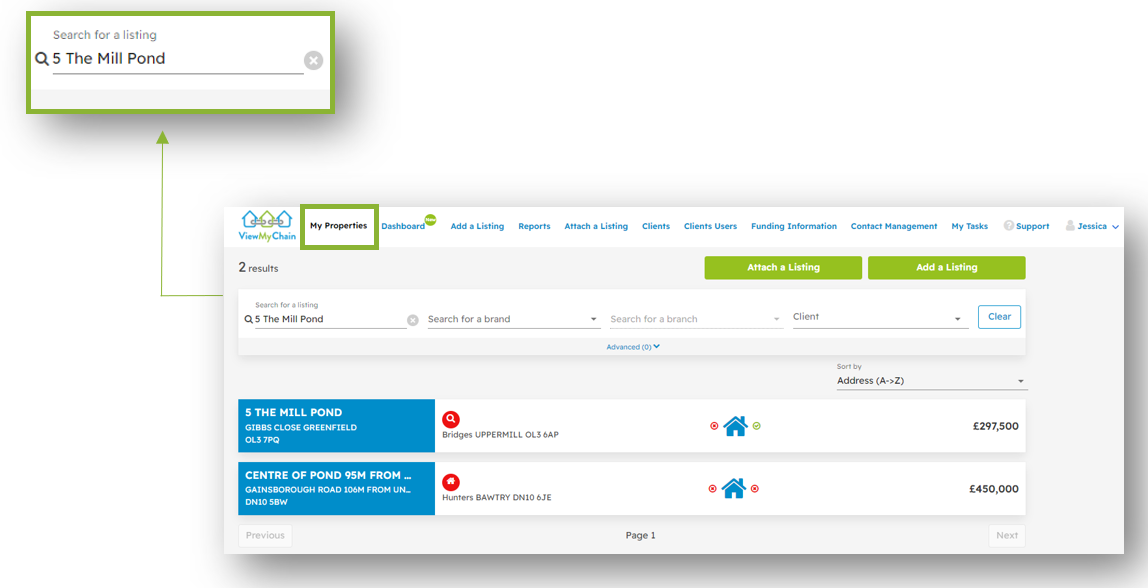
- From ViewMyChain, select ‘My Properties’ and select the property you wish to add the offer to.
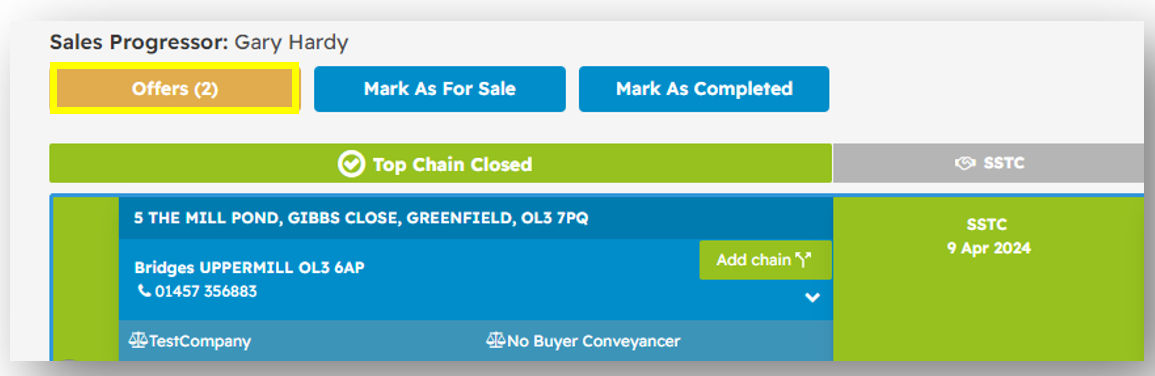
- From the listing, select the ‘Offers’ button.
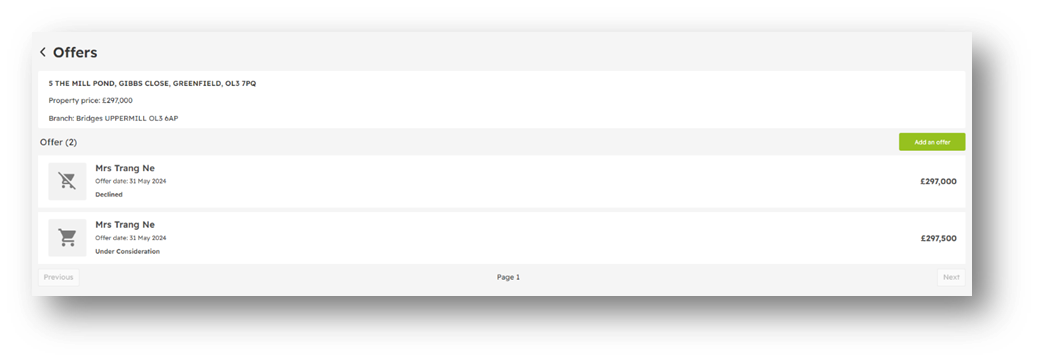
- Select ‘Add an offer’.
- Enter the offer information - Offer Type, Offer Date, Offer Price, and Buyer.
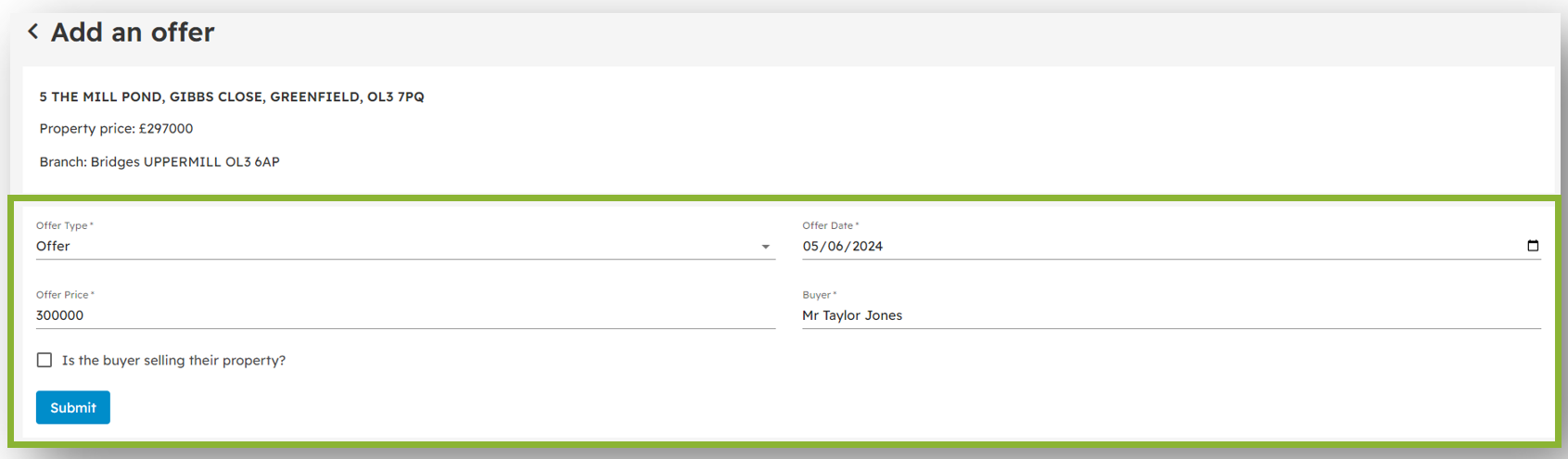
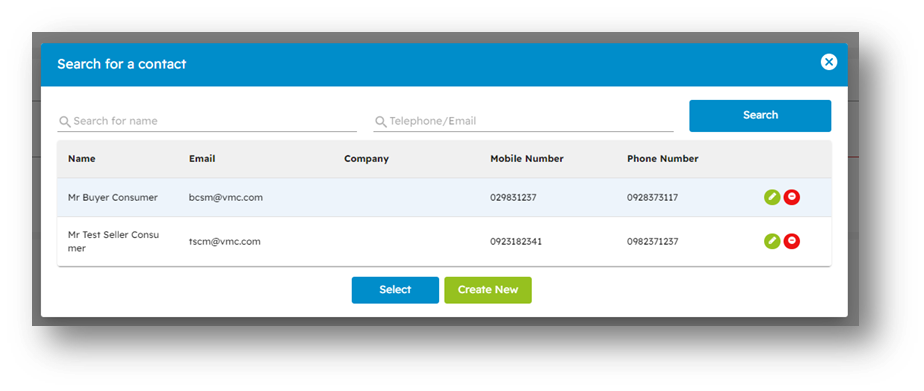
- To select your buyer – if they already exist as a contact, type their name in ‘Search for name’ or click ‘Create New’.
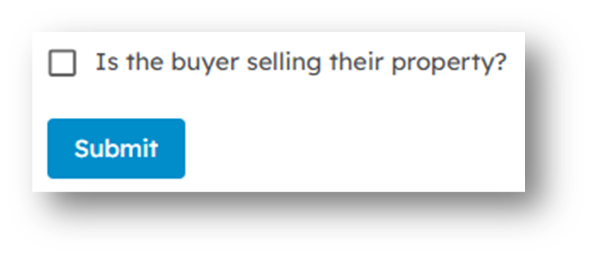
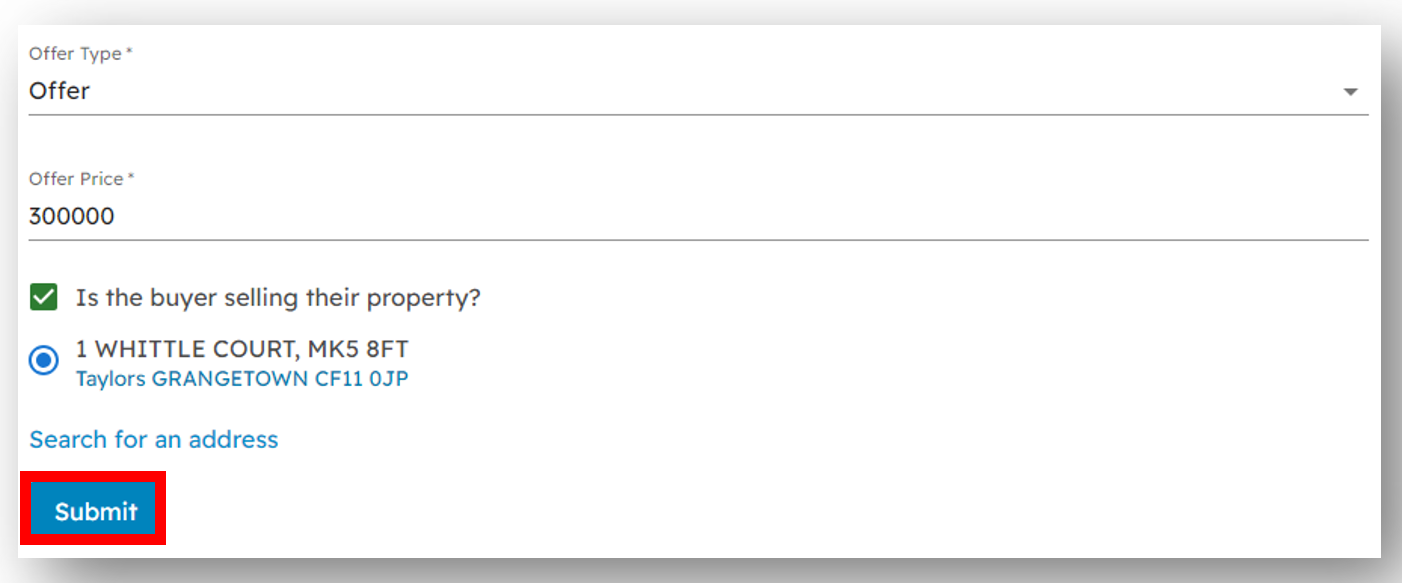
- If the buyer is selling their property, check the box and click ‘Submit’.
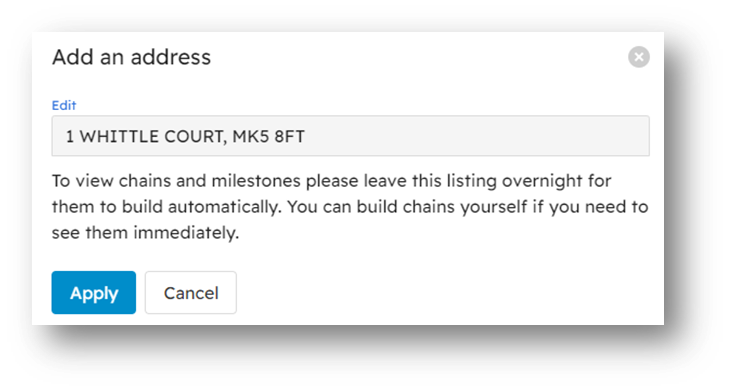
- Add your buyers address – enter the postcode of their property and click ‘Apply’.
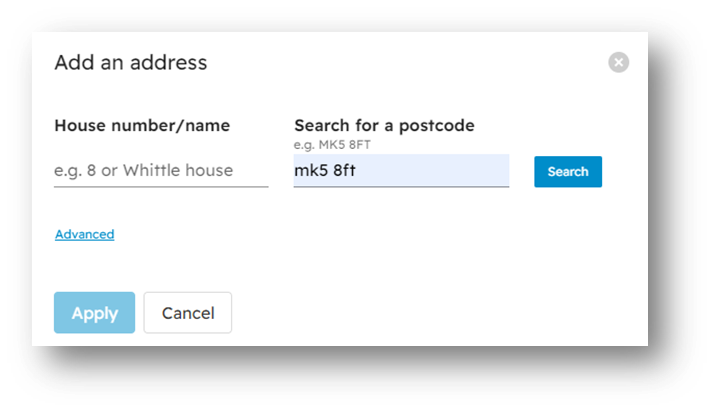
- Select the correct address from the drop-down menu, click ‘Apply’.
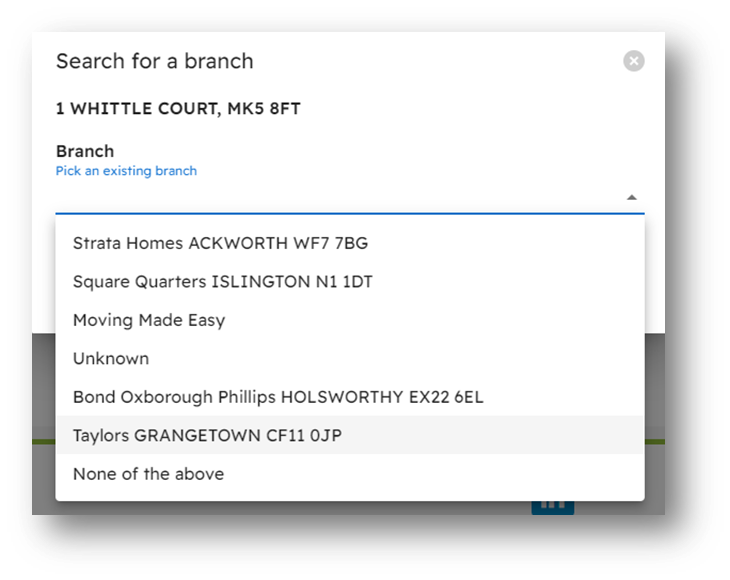
- Select the estate agency that the property is listed with.
- Select ‘Submit’.
Repeat from step 2 if you have multiple offers for your property.