
Add a Reminder
‘Reminders’ allow you to store useful information. This is a free text field which can be edited but makes key information visible for anybody viewing the property record.
Adding a Reminder:
- Navigate to your listing in ViewMyChain.
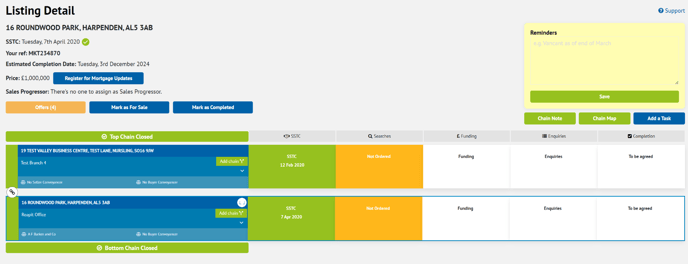
- Enter the reminder in the highlighted free-type box.
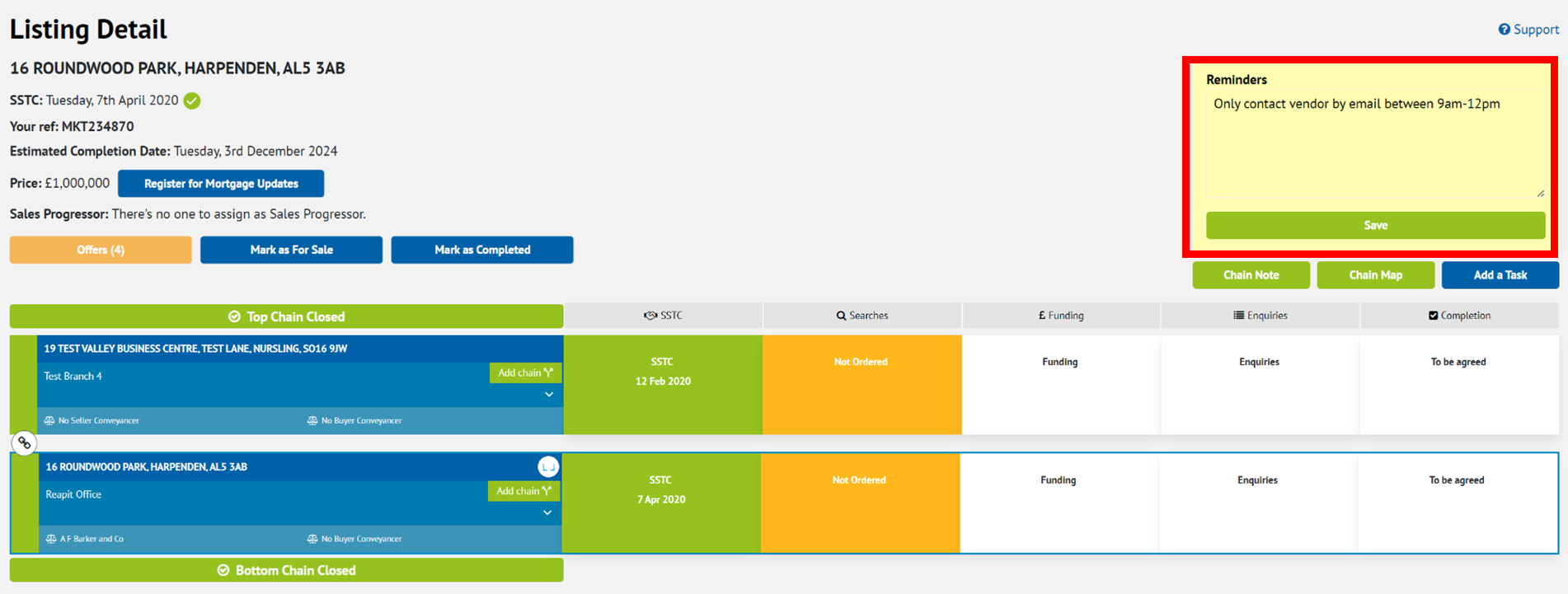
- Select ‘Save’.
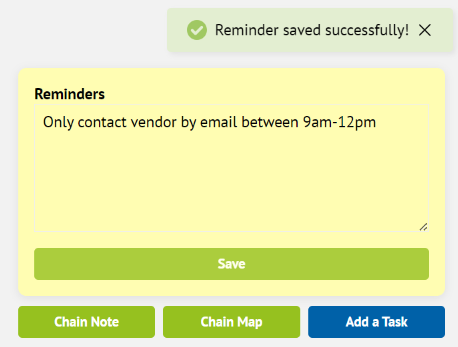
- The saved reminder will now be viewable on the property for all users. To remove a reminder, delete the text and click ‘Save’.