![VMC logo.svg]](https://support.viewmychain.com/hubfs/VMC%20logo.svg)
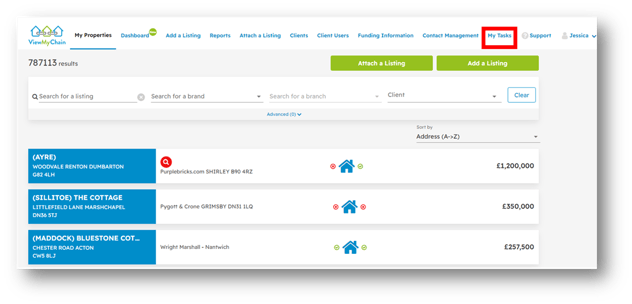
To access all tasks:
- Select ‘My Tasks’ from the main menu.
This area displays all of your tasks, task assignees, due dates, the property/parties it relates to along with filter options on the right-hand side.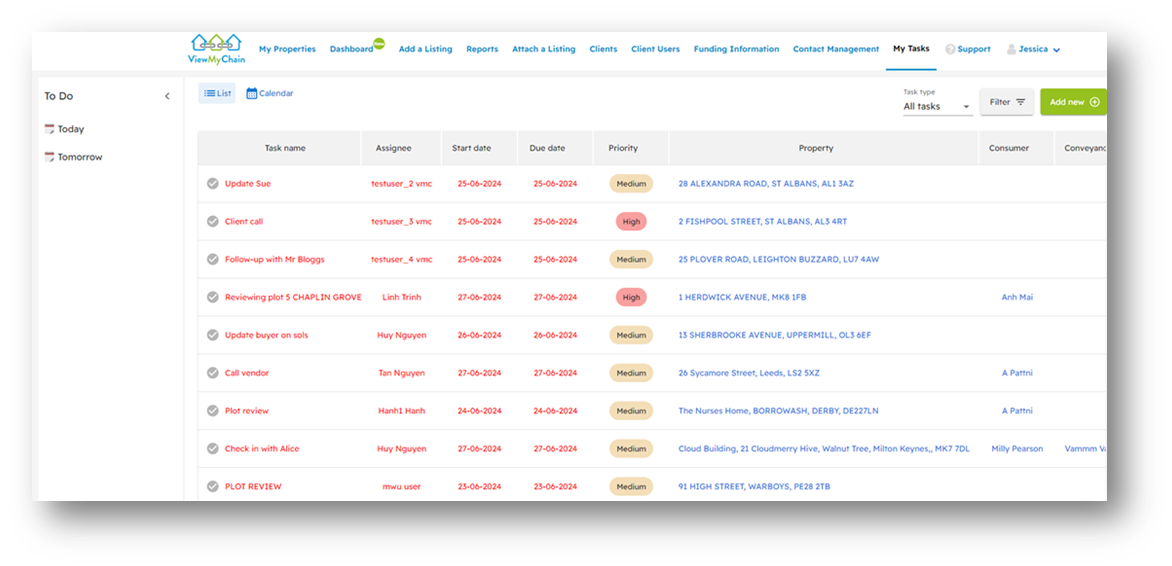
Managing Tasks:
Tasks can be managed/viewed in a number of ways using the various filter/options on screen.
They can be filtered by ‘Task type’ – see below.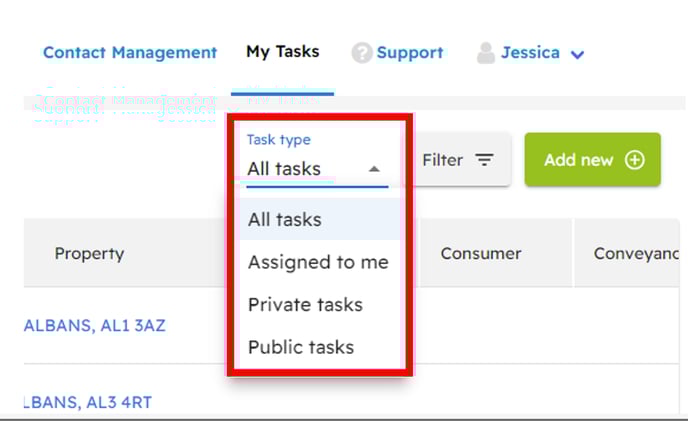
They can be filtered by ‘task status’, ‘branch’, ‘Assigned to’, ‘Property’, ‘Consumer contact’, ‘Conveyancer’ and ‘Due date’ – click ‘Filter’ to see the ‘Quick filter’ options.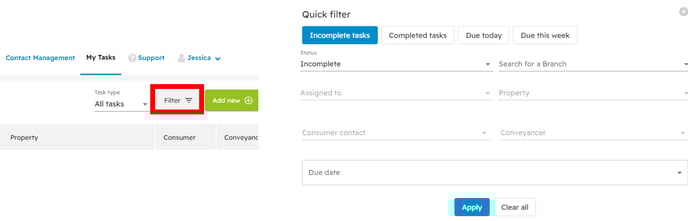
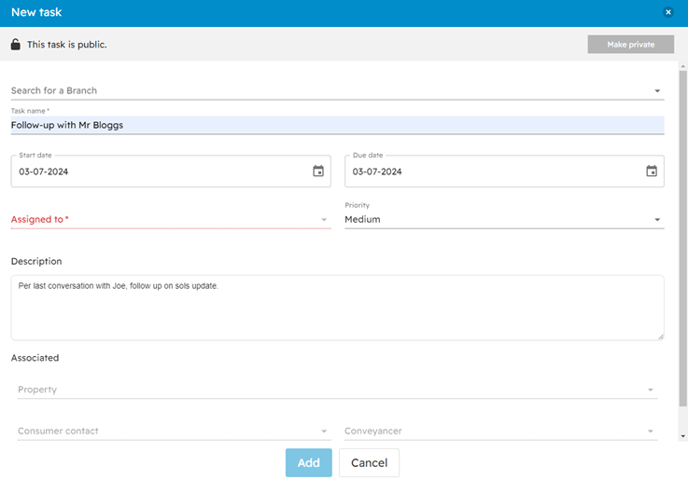
New tasks can also be created from this area.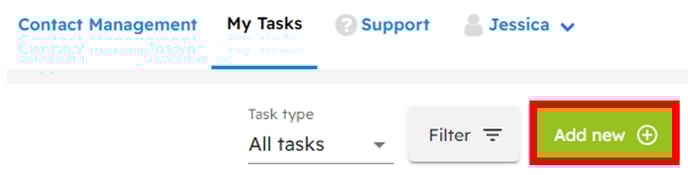
Task Views:
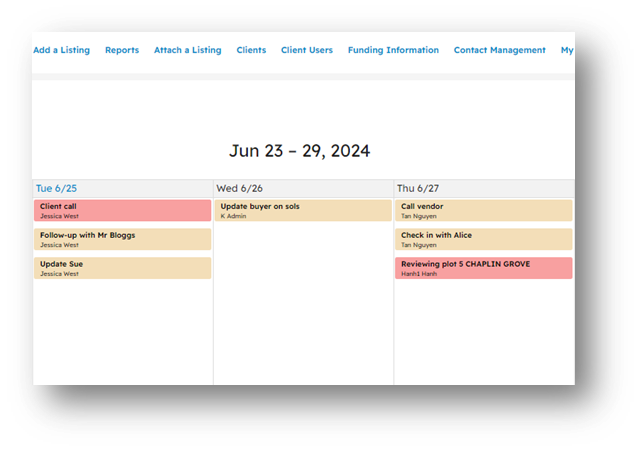
Tasks can be viewed as a ‘List’ or in 'Calendar’ view, making it easy to see the number of tasks for a particular day.
The ‘Calendar’ view:
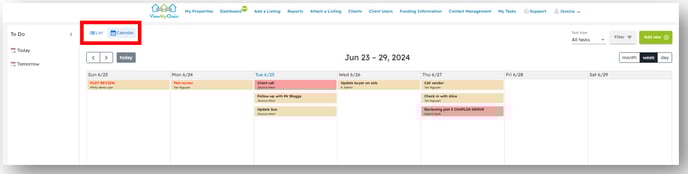
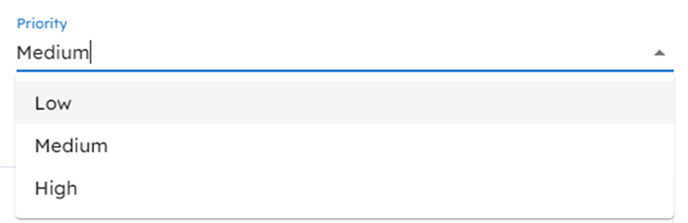
Task priority can be set which will also colour code your task.